shareBySquare
Windows web app

Install shareBySquare on Windows

Add shareBySquare to Windows directly from Microsoft Edge or Google Chrome. It opens in its own window and can be launched from Start or the taskbar.

Open shareBySquare

No .exe installer is needed. shareBySquare stays a web app and updates when you open it online.

  • Windows 10 or 11
  • Microsoft Edge or Google Chrome
  • Secure HTTPS connection

If your browser offers direct installation, the button opens its confirmation. Otherwise follow the three steps below.

Illustration of shareBySquare running in its own Windows app window
Illustration. The exact browser appearance may vary by version.
Three simple steps

Install the app from your browser

The browser wording may differ slightly by version, but the flow stays the same.

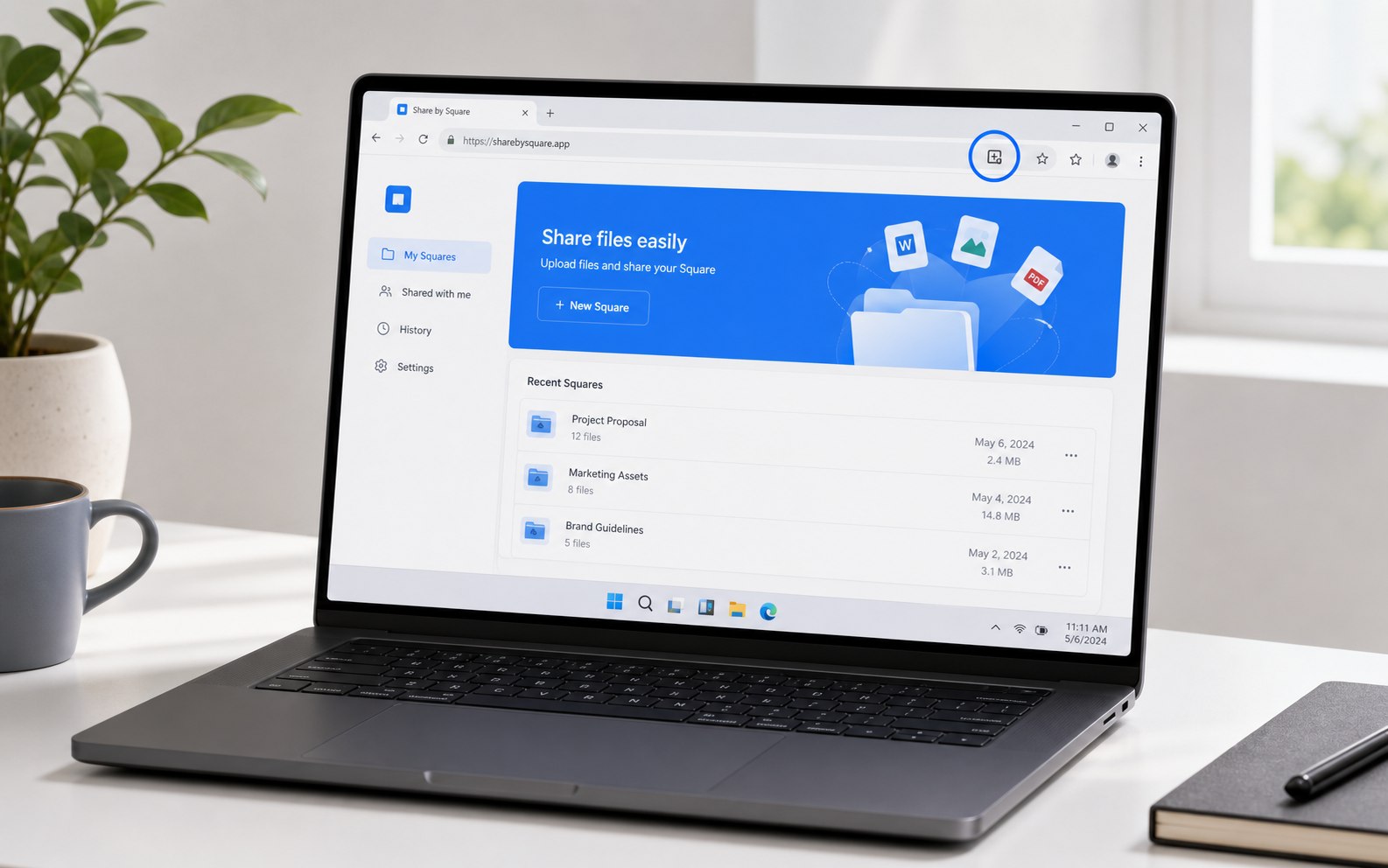
  1. Illustration of the web app installation icon in a Windows browser address bar
    Illustration. The exact browser appearance may vary by version.
    1

    Open shareBySquare in Edge or Chrome

    Look for the app installation icon at the right side of the address bar. If it is not visible, open the browser menu and find the option to install the current site as an app.

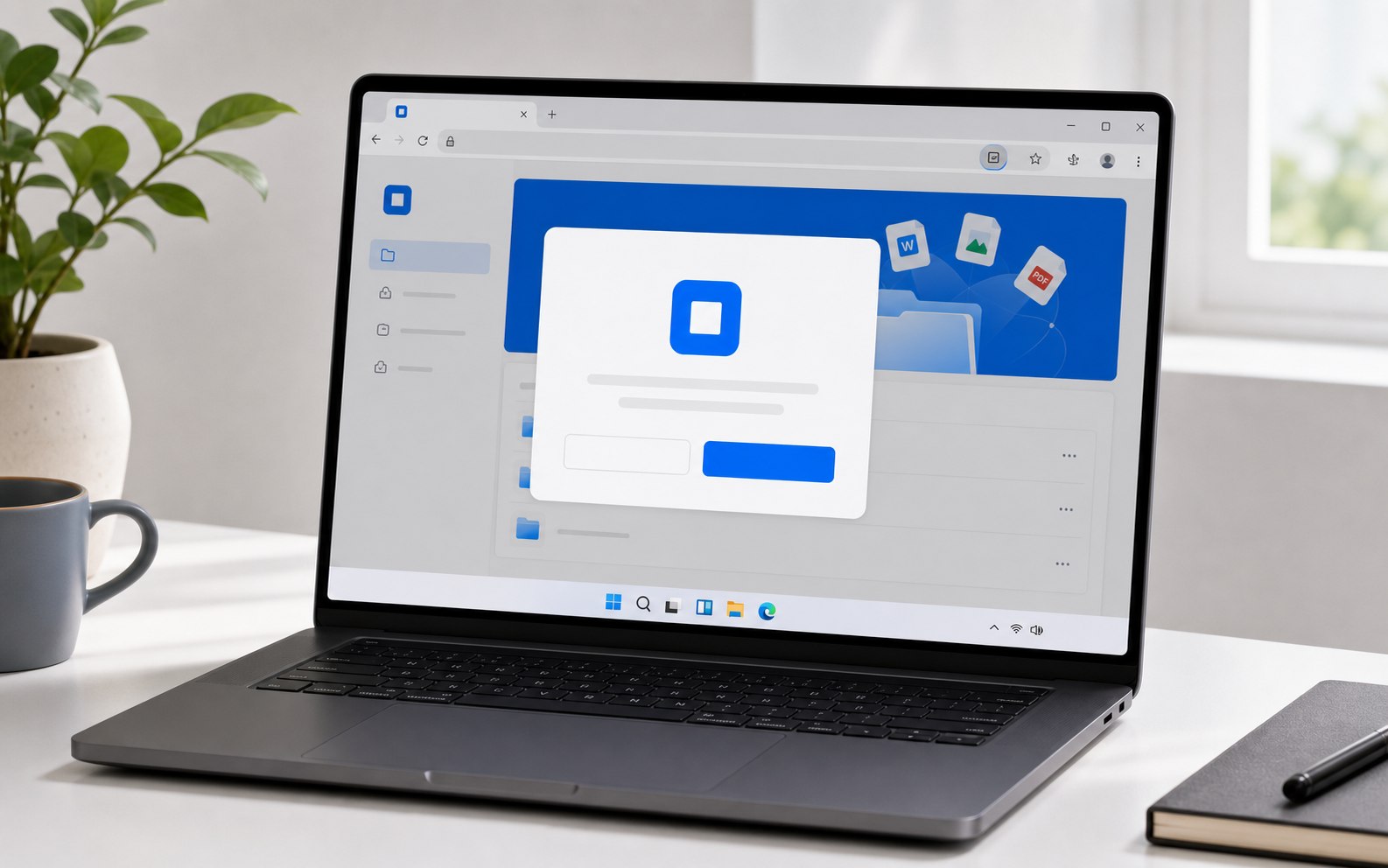
  2. Illustration of a web app installation confirmation in Windows
    Illustration. The exact browser appearance may vary by version.
    2

    Confirm the installation

    Choose Install in the browser confirmation. Windows adds shareBySquare like a regular app without downloading an .exe file.

  3. Illustration of shareBySquare running in its own Windows app window
    Illustration. The exact browser appearance may vary by version.
    3

    Launch it from Windows

    Open shareBySquare from the Start menu, a desktop shortcut, or the taskbar. The app runs in its own focused window.

When the icon is missing

Use the browser menu

Installation is offered only on a secure online version of the site. If the button is unavailable, check these routes.

Microsoft Edge

Open the three-dot menu, choose More tools, then Apps, then Install this site as an app.

Google Chrome

Open the three-dot menu and choose Install page as app. In some versions the option appears under Cast, save, and share.

Local testing

For local testing, open the site through localhost or HTTPS. Opening the HTML file directly from disk cannot install the app.

Ready to use shareBySquare like a Windows app?

Open the main page, install the app, and keep QR file sharing one click away.

Open shareBySquare